 Caroline Blanca
You have a recipe that calls for a preheated oven and you are wondering whether your LG microwave can do the job. The answer depends entirely on which type of LG microwave you have. Standard LG microwaves cannot preheat — but LG convection microwave models absolutely can, and they do it well.
Here is exactly how to preheat your LG microwave oven correctly depending on your model.
Quick Answer
Only LG convection microwave models can preheat. To preheat, press the Convection button, set your desired temperature using the dial or number pad, then press Start. The microwave will beep when it reaches the target temperature — usually within 5 to 10 minutes. Standard LG microwaves without a convection function cannot preheat at all.
First — Does Your LG Microwave Have a Convection Function?
Before attempting to preheat, you need to confirm whether your LG microwave model includes a convection function. This is the most important step because standard microwave models simply do not have the heating element required to preheat to a set temperature.
How to check your model:
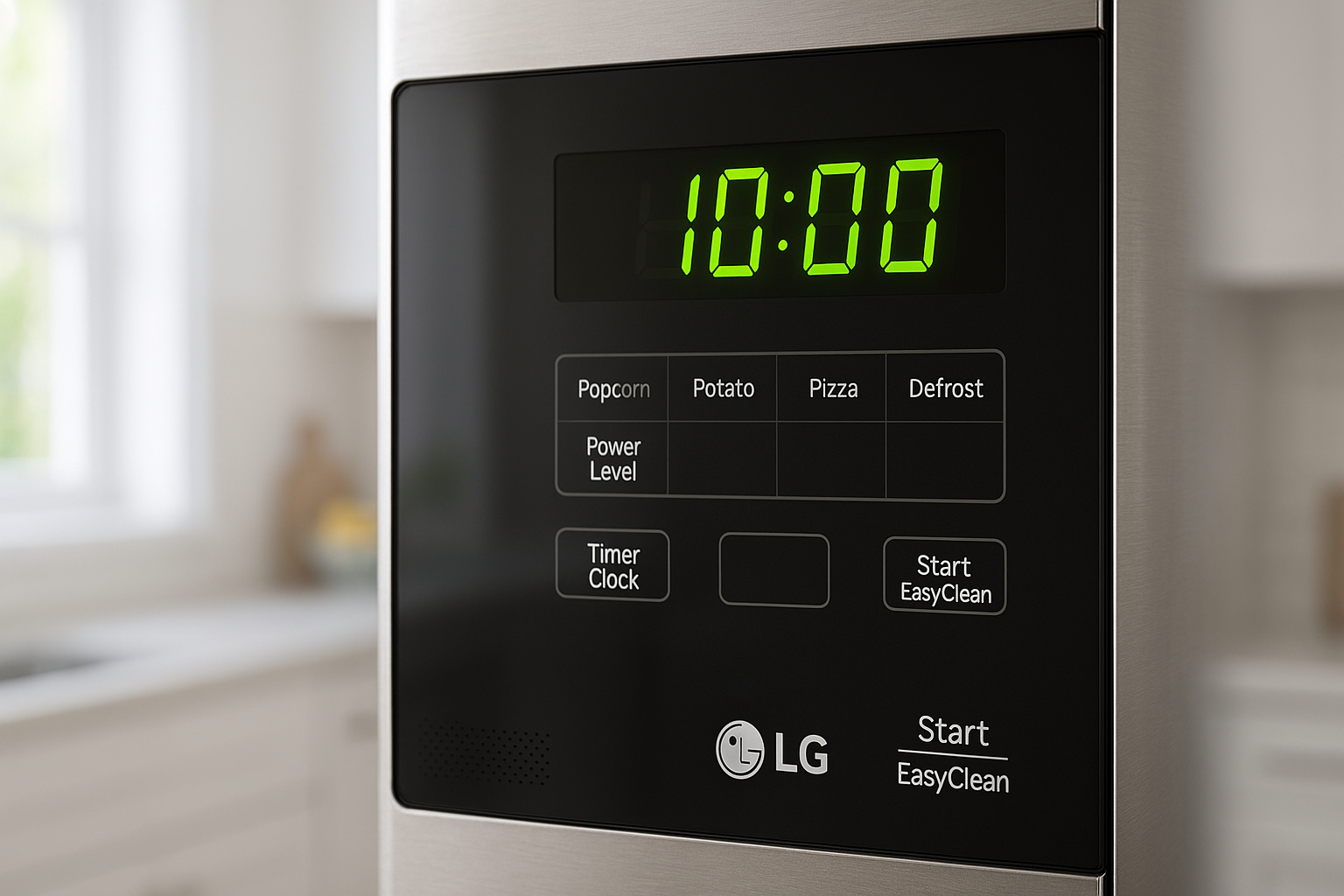
- Look at the control panel for a button labelled Convection, Conv, or a fan icon
- Check the model sticker on the inside of the door frame — models with convection typically include “C” or “Conv” in the model number
- Check the LG website at lg.com and search your model number — the product page will list convection as a feature if it is included
💡 Tip: If your LG microwave does not have a convection function, it cannot be used as a conventional oven for baking or roasting. In that case, consider a combination microwave air fryer unit which can achieve similar results to convection cooking. Read our full comparison of microwave vs air fryer to help decide which appliance suits your cooking needs.
How to Preheat an LG Convection Microwave — Step by Step
Step 01
Remove everything from the microwave interior
Before preheating, remove the glass turntable and turntable ring from inside the microwave. Convection cooking uses a metal rack — not the glass turntable — for airflow. Most LG convection microwaves come with a low metal rack specifically for this purpose. Place the metal rack inside the microwave before preheating.
If you preheat or bake with the glass turntable in place during convection mode, it can crack from the high heat. Furthermore, the turntable ring can warp under sustained convection temperatures.
Step 02
Press the Convection button
Press the Convection button on your LG microwave control panel. On most models, pressing it once activates convection mode and the display will show a default temperature — typically 180°C or 350°F depending on your model’s regional settings.
Step 03
Set your desired temperature
Use the number pad or the dial to set the temperature your recipe requires. Most LG convection microwaves allow temperatures between 100°C and 230°C (210°F to 450°F). Enter the exact temperature from your recipe — for example, for a cake recipe requiring 180°C, press 1, 8, 0.
Step 04
Press Start and wait for the preheat beep
Press Start to begin preheating. The display will show the current temperature rising towards the target. When the microwave reaches the set temperature it will beep — usually 3 to 5 beeps — to indicate it is ready. Preheating typically takes between 5 and 10 minutes depending on the target temperature.
Do not place your food inside until the preheat beep sounds. Placing food in before the target temperature is reached produces uneven cooking results — exactly the same as placing food in a cold conventional oven.
Step 05
Place your food inside and set the cooking time
When the preheat beep sounds, open the door and place your food on the metal rack. Close the door and set your cooking time using the number pad. Press Start again to begin cooking. The microwave will maintain the convection temperature throughout the cooking cycle.
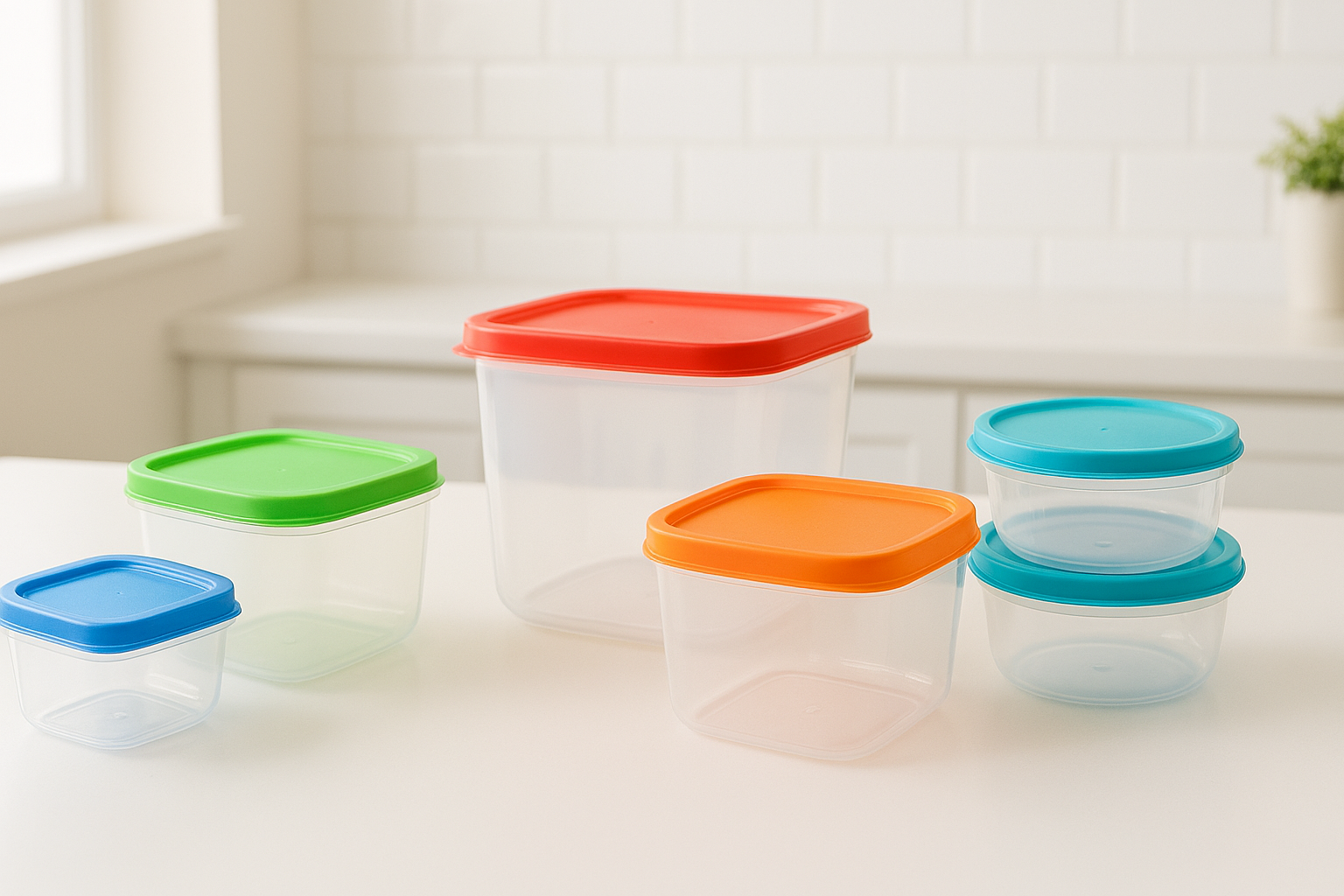
⚠️ Important: Never use plastic containers, styrofoam, or standard microwave safe dishes during convection mode. Convection cooking reaches temperatures that will melt or damage containers that are only rated for standard microwave use. Use only metal baking trays, ceramic dishes, or oven safe glass during convection cooking. Read our guide on which containers are microwave safe for a full breakdown of what materials are safe for each cooking mode.
Temperature Guide for Common Baking and Cooking Tasks
| Food / Task | Preheat Temp | Cooking Time | Notes |
|---|---|---|---|
| Baking a cake | 160°C to 180°C | 25 to 35 minutes | Check with a skewer at 25 mins |
| Roast chicken | 200°C | 45 to 60 minutes | Depends on weight — 20 mins per 500g |
| Cookies and biscuits | 170°C to 180°C | 10 to 15 minutes | Watch closely — small items cook fast |
| Roasted vegetables | 200°C to 220°C | 20 to 30 minutes | Turn halfway through for even roasting |
| Pizza | 220°C | 10 to 15 minutes | Place directly on metal rack for crispy base |
| Bread rolls | 190°C to 200°C | 15 to 20 minutes | Brush with egg wash before baking |
Using Combination Mode — Microwave and Convection Together
Many LG convection microwave models also offer a combination mode that uses both microwave energy and convection heat simultaneously. This mode is particularly useful for dishes that need to cook through quickly while also developing a browned, crispy exterior.
Combination mode is ideal for roasting chicken pieces, reheating pastries, and cooking casseroles. The microwave energy speeds up the cooking from the inside while the convection heat browns and crisps the surface — producing results that neither mode could achieve alone.
How to activate combination mode on most LG models:
- Press the Combi or Micro + Conv button on the control panel
- Set the microwave power level — typically 30% to 50% for combination cooking
- Set the convection temperature
- Set the cooking time and press Start
Why Is My LG Microwave Not Preheating?
If you have a convection model but the preheat function is not working as expected, there are a few common causes to check:
The microwave is in standard mode not convection mode
Make sure you have pressed the Convection button specifically — not the standard microwave button. In standard mode, pressing Start will begin microwaving immediately without any preheating.
The child lock is active
If the control panel is unresponsive, the child lock may be blocking all button input. Press and hold Stop/Clear for 3 to 5 seconds to deactivate it before trying again.
The microwave is not turning on at all
If the microwave is completely unresponsive and will not enter any mode, read our guide on LG microwave not turning on for the full step by step diagnosis.
The temperature is not reaching the set level
If the microwave starts but never beeps to indicate it has reached the target temperature, the convection heating element may have a fault. In that case, contact LG support at lg.com/support for a warranty check or technical diagnosis.
The Bottom Line
Preheating an LG microwave is straightforward on convection models — remove the turntable, insert the metal rack, press Convection, set the temperature, and wait for the preheat beep before adding your food. The key difference from a standard oven is that you must wait for that beep before placing anything inside, and you must use oven safe containers rather than standard microwave safe ones.
If your LG microwave does not have a convection function, it cannot preheat. In that case, a combination microwave air fryer unit is the closest alternative for achieving oven-like cooking results from a countertop appliance. For more how-to guides on getting the most from your LG microwave, browse our full library at lgmicrowaves.com.
Was this guide helpful?
Browse our full library of LG microwave how-to guides and buying advice at Legit Gadgets.